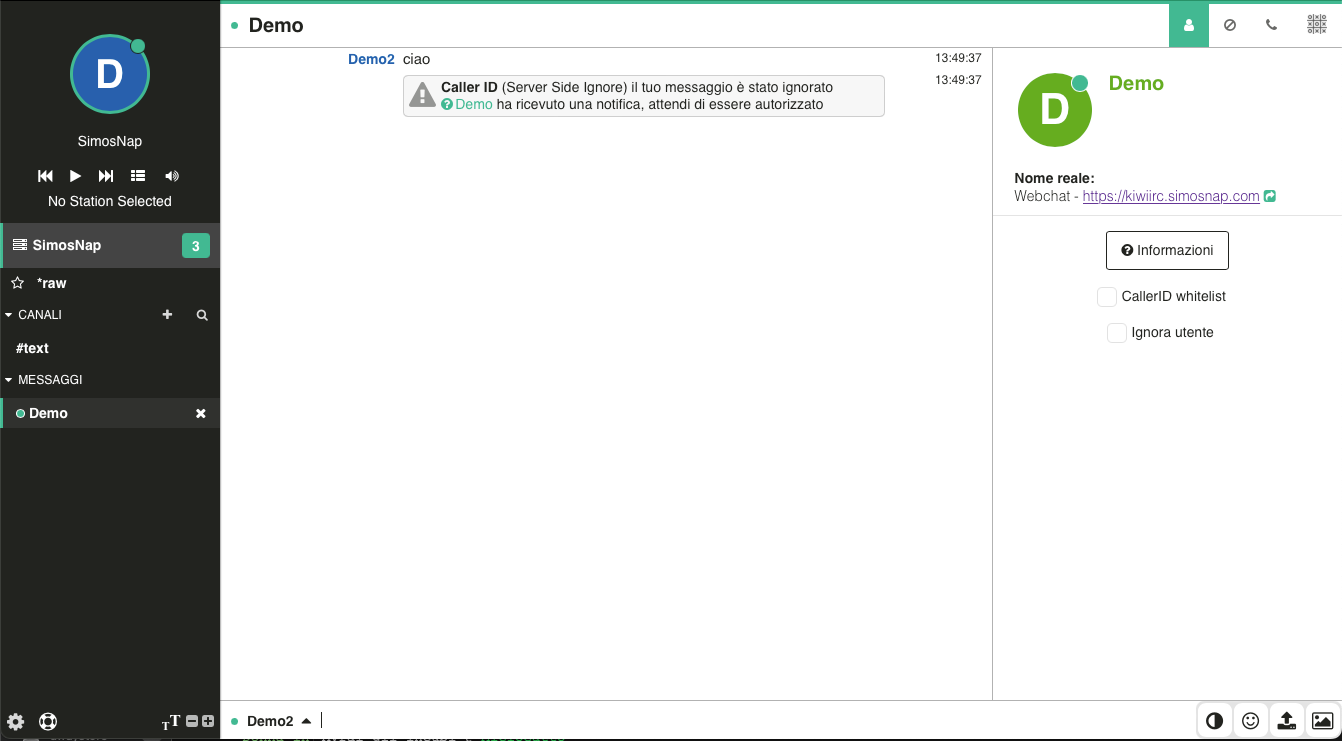

User mode +g and the Caller ID system have always been valuable tools for managing incoming private messages. Over time, however, their use remained mostly limited to experienced IRC users familiar with IRC commands and the command line.
We have recently integrated the Caller ID system directly into our web chat, making it practical, intuitive, and accessible to everyone.
How Does Caller ID Work?
The Caller ID system is enabled when a user activates the +g user mode.
When this mode is active, users who want to start a private conversation with you must already be present in your Caller ID White List or be added to it. Otherwise, after an initial notification, their private messages will automatically be ignored.
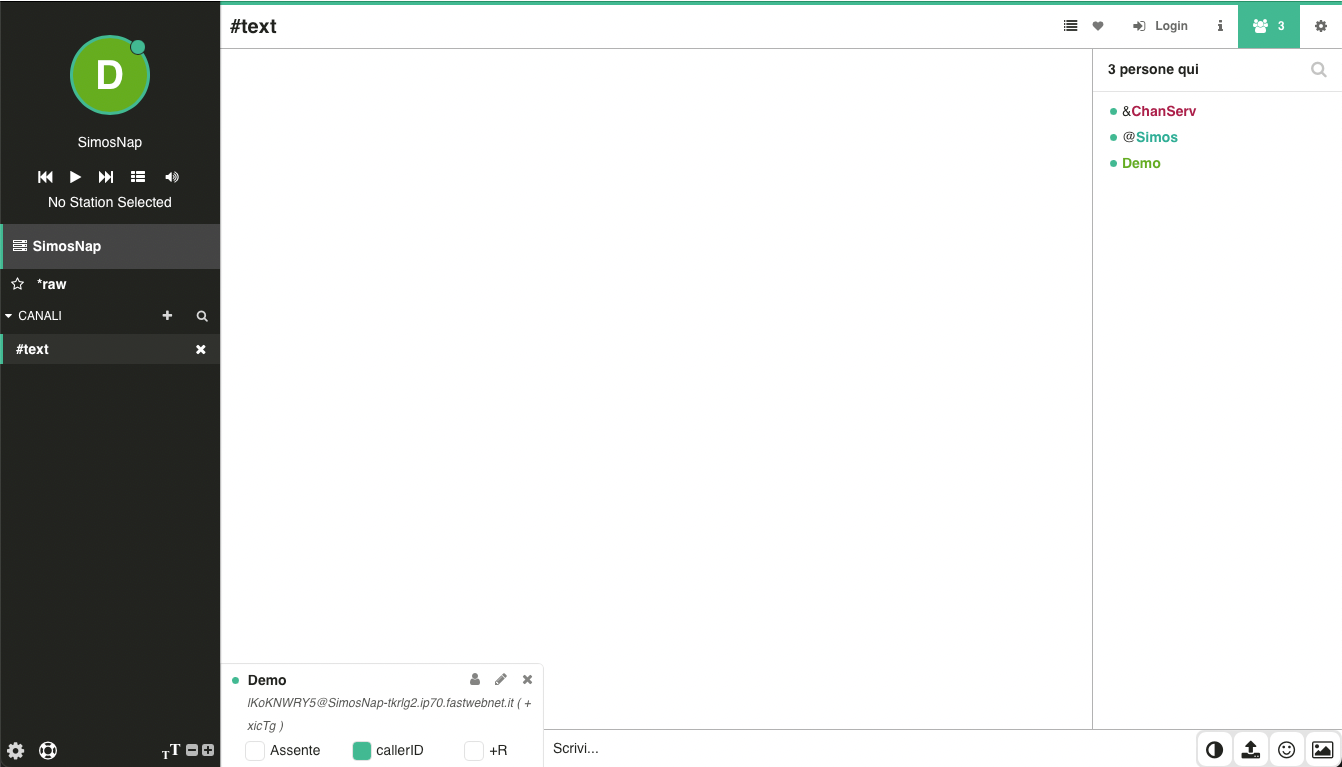
From the official SimosNap web chat, as well as from all websites using our web chat code, Caller ID can be enabled through the Nickname Menu by checking the Caller ID option.
Managing Your Caller ID White List
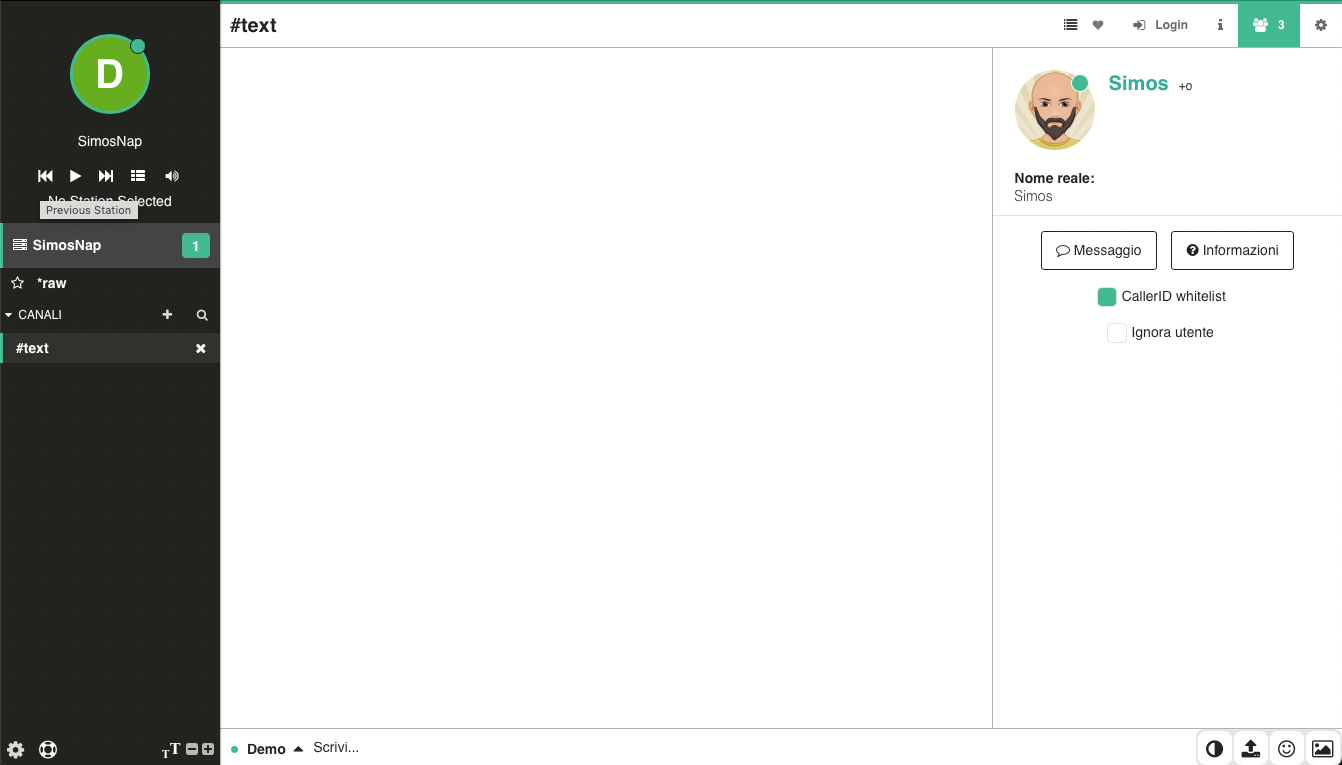
You can add users to your white list directly from the User Menu by selecting the Caller ID Whitelist option.
If you later uncheck the same option, the user will be removed from your white list.
Viewing and Editing Your White List
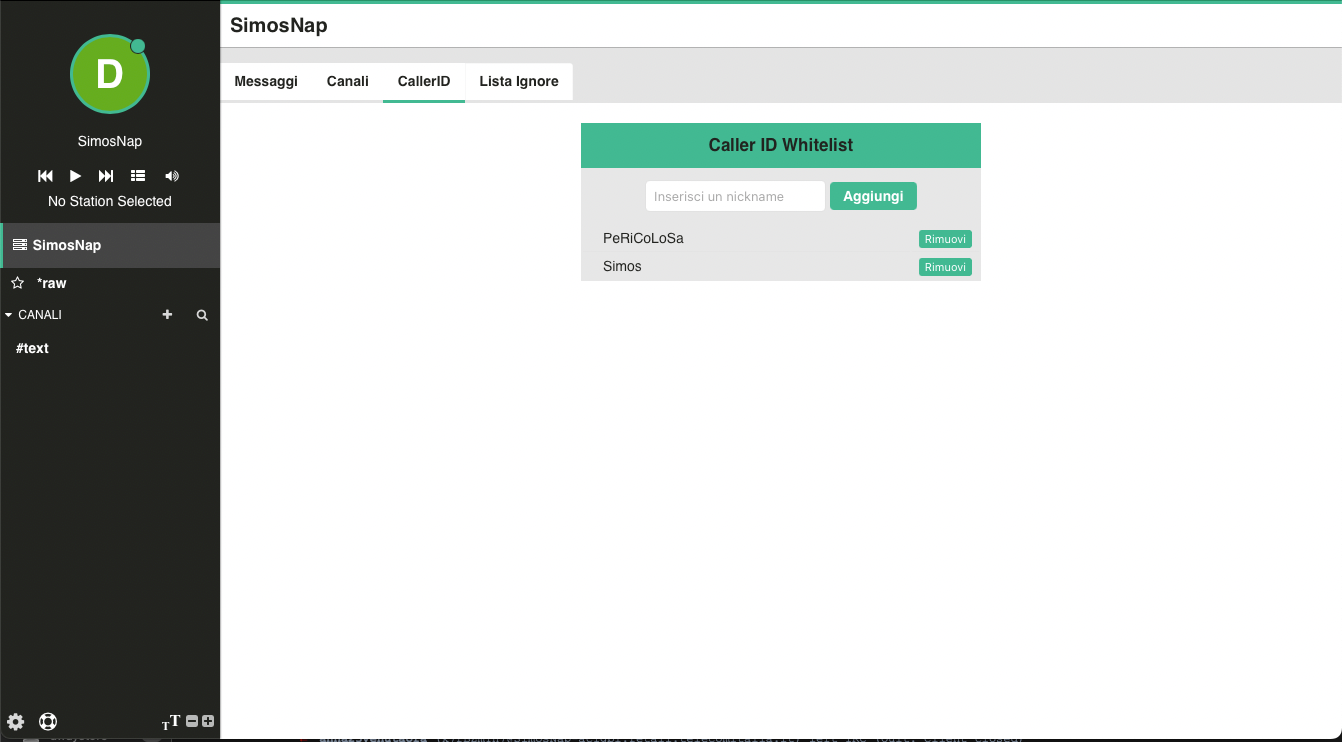
You can view, manage, and edit your Caller ID white list at any time from the SimosNap Menu.
Incoming Caller ID Requests
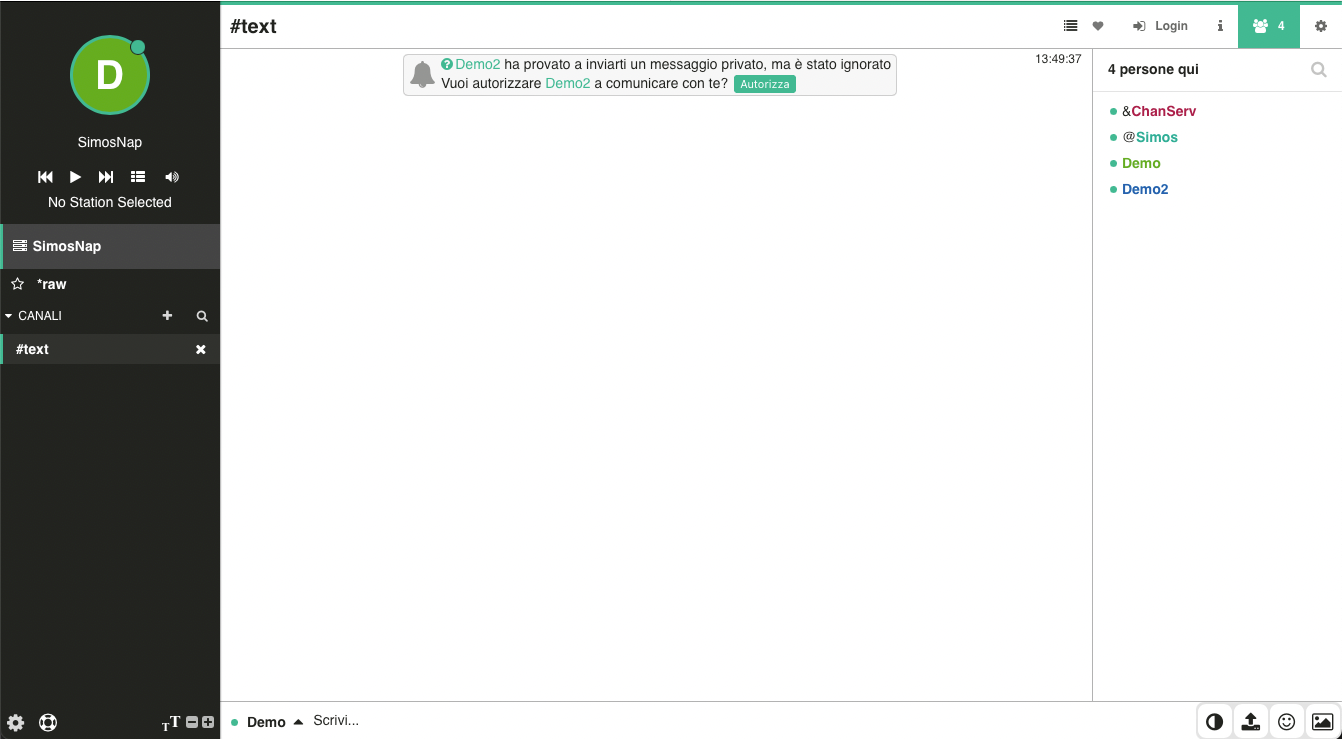
Whenever a user who is not included in your white list attempts to start a private conversation with you, you will receive a notification.
You can then choose whether to:
- Accept the request and allow the conversation.
- Ignore the request and continue chatting without being disturbed by future messages from that user.
More Privacy, Less Spam
Caller ID gives you complete control over who can contact you privately without preventing legitimate users from reaching you.
By combining the +g user mode, the Caller ID White List, and the new graphical interface integrated into the SimosNap web chat, everyone can benefit from one of IRC's most effective privacy features without needing to learn commands or advanced configuration.